The matrixfall effect in the terminal.
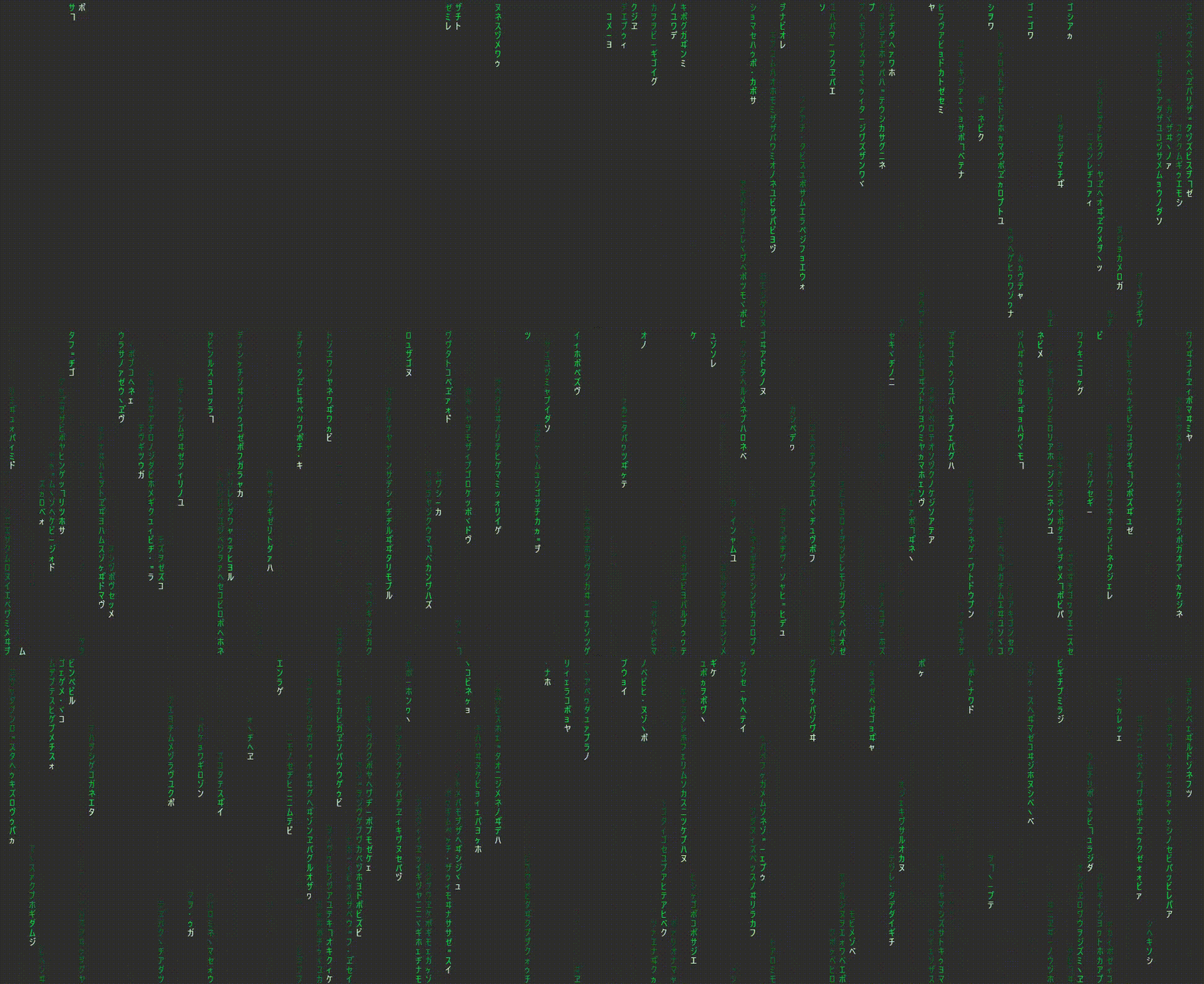
- Multiple character symbol sets, including original
Katakanasymbols,binary,decimal,mathematicalsymbols,ASCIIcharacters,Braillepatterns and more. - Customizable stream colors and gradients.
- Adjustable frame rate, stream count, and spacing.
- Option to leave a trail of characters as the streams pass by.
- Randomized symbol switching for added visual interest.
Install a prebuilt binary from the latest GitHub release.
Note
To install and run matrixfall, you will need to have Rust and Cargo installed on your system. You can install Rust and Cargo by following the instructions at https://www.rust-lang.org/tools/install.
You can install matrixfall from crates.io using Cargo. To do this, run the following command in your terminal:
cargo install matrixfallAlternatively, you can clone the repository and build the project from source:
git clone https://github.com/Shresht7/matrixfall.git
cd matrixfall
cargo build --release
To run the project, use the following command:
cargo run --releaseTo install the checked-out version into Cargo's bin directory:
cargo install --path . --name matrixfallTo use matrixfall, you can run the project with the following command:
matrixfall [OPTIONS]Here are some examples of how to use the different configuration options:
-
To use the original Katakana symbols with the default settings:
matrixfall
-
To use binary symbols with a custom stream color and gradient:
matrixfall --mode binary --stream-color 0,255,70 --stream-color-gradient-factor 0.5
-
To use ASCII characters with a higher frame rate and leave a trail:
matrixfall --mode ASCII --fps 120 --leave-trail
Tip
You can combine multiple options to customize the matrixfall effect to your liking.
q,Esc, orCtrl+C: exit matrixfall.
| Flag | Default | Description |
|---|---|---|
--mode |
Original |
Character symbol set. Use a built-in mode or any non-empty custom character set. |
--stream-color |
0,255,70 |
Stream color. Accepts R,G,B, #RRGGBB, or a named color such as green. |
--stream-color-gradient-factor |
0.33 |
Multiplier controlling how much the stream color fades toward its tail. |
--leading-entity-color |
200,255,200 |
Color of the leading character in each stream. |
--leave-trail |
off | Retains characters after streams pass. |
--fps |
60 |
Target frames per second. |
--direction |
down |
Direction in which streams move. |
--stream-min-count |
5 |
Minimum number of characters in a stream. |
--stream-max-count |
25 |
Maximum number of characters in a stream. |
--stream-spacing |
2 |
Number of terminal columns or rows between streams, depending on direction. |
--switch-interval |
1 |
Maximum number of seconds before a character changes randomly. |
--stream-color and --leading-entity-color accept:
- RGB:
0,255,70 - Hex:
#00FF00 - Named colors:
black,red,green,yellow,blue,magenta,cyan, orwhite
For example:
matrixfall --stream-color "#00FF00" --leading-entity-color white| Mode | Aliases | Symbols |
|---|---|---|
original |
normal, katakana |
Katakana characters, e.g. ア, カ, サ, ナ |
binary |
bin |
0, 1 |
decimal |
numbers, digits |
0 through 9 |
math |
maths, mathematics |
Mathematical symbols, e.g. ∐, ∑, ≠, → |
ascii |
text, english |
Printable ASCII characters, from ! through ~ |
braille |
dots |
Braille patterns, e.g. ⠇, ⠾, ⣿ |
emoji |
cursed |
Emoji characters |
Any other value is treated as a custom symbol set.
Any value for --mode that is not a built-in mode is used as a custom set of characters. Matrixfall randomly selects from that set as streams render.
matrixfall --mode "abc123"The command above renders only a, b, c, 1, 2, and 3.
| Value | Aliases | Movement |
|---|---|---|
down |
vertical |
Top to bottom |
up |
vertical-reverse |
Bottom to top |
left |
horizontal |
Right to left |
right |
horizontal-reverse |
Left to right |
diagonal-left |
bottom-left |
Toward the bottom-left |
diagonal-left-reverse |
top-right |
Toward the top-right |
diagonal-right |
bottom-right |
Toward the bottom-right |
diagonal-right-reverse |
top-left |
Toward the top-left |
Use binary symbols with a green gradient:
matrixfall --mode binary --stream-color 0,255,70 --stream-color-gradient-factor 0.5Run ASCII streams faster and retain their trail:
matrixfall --mode ascii --fps 120 --leave-trailMove streams diagonally toward the bottom-right:
matrixfall --direction diagonal-rightUse a custom character set:
matrixfall --mode "abc123"Use a blue color scheme with a white leading character:
matrixfall --stream-color "#008CFF" --leading-entity-color whitematrixfall works best in a terminal with ANSI true-color support and a Unicode-capable font.
Some symbol sets, especially emoji, may have different widths or appearances depending on your terminal and font.
Contributions are welcome! If you would like to contribute to this project, please follow these guidelines:
- Fork the repository and create a new branch for your feature or bugfix.
- Write tests for your changes, if applicable.
- Ensure that all tests pass and the code is properly formatted.
- Submit a pull request with a clear description of your changes.
This project is licensed under the MIT License. See the LICENSE file for more information.